Extending an existing Glympse on iPhone can be completed in several different ways.
- Tap the Sharing icon in the upper right-hand corner to view the details of the current Glympse
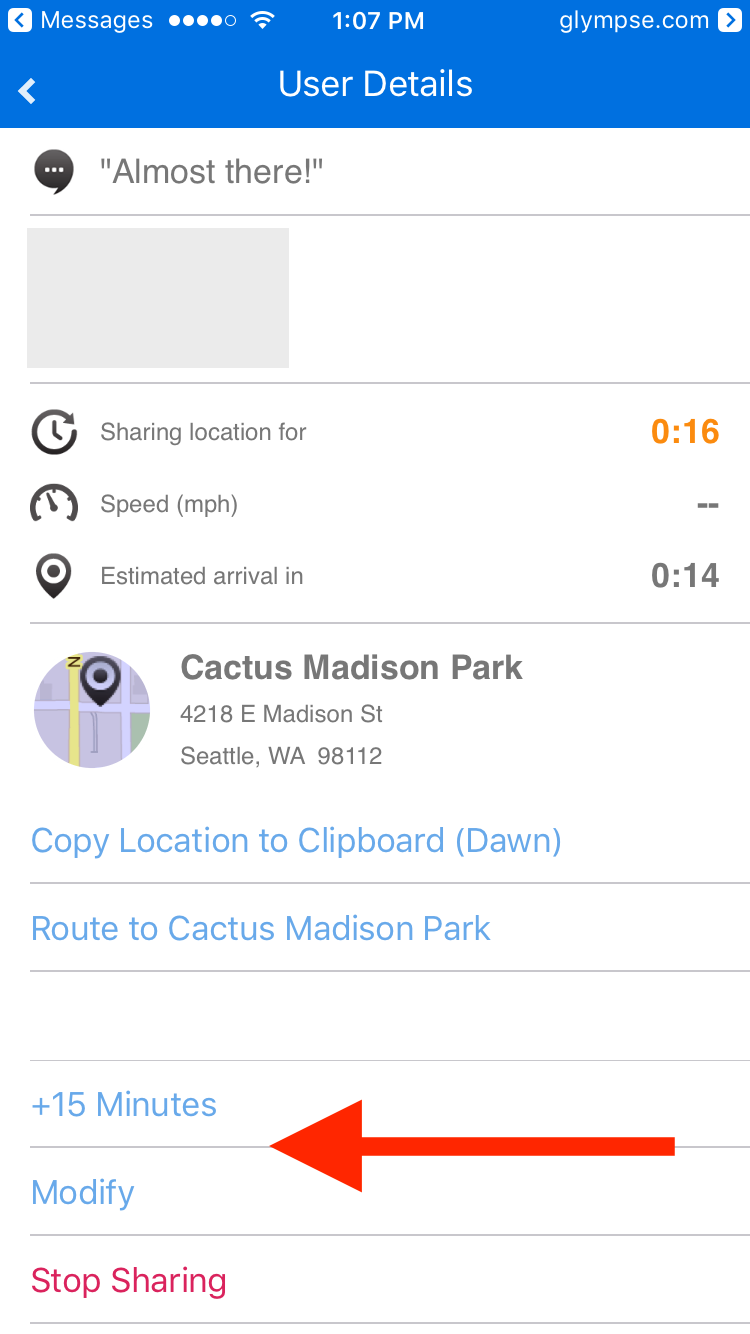
- Tap +15 to add an additional 15 minutes to your Glympse
Or
- Open the left navigation panel and tap History
- Tap your active Glympse and swipe to the left to reveal options to extend, modify, and stop
- Tap the "+15" to extend your Glympse by 15 minutes. This button can be tapped as many times as necessary to bring your active Glympse up to the maximum duration of 12 hours.


Or
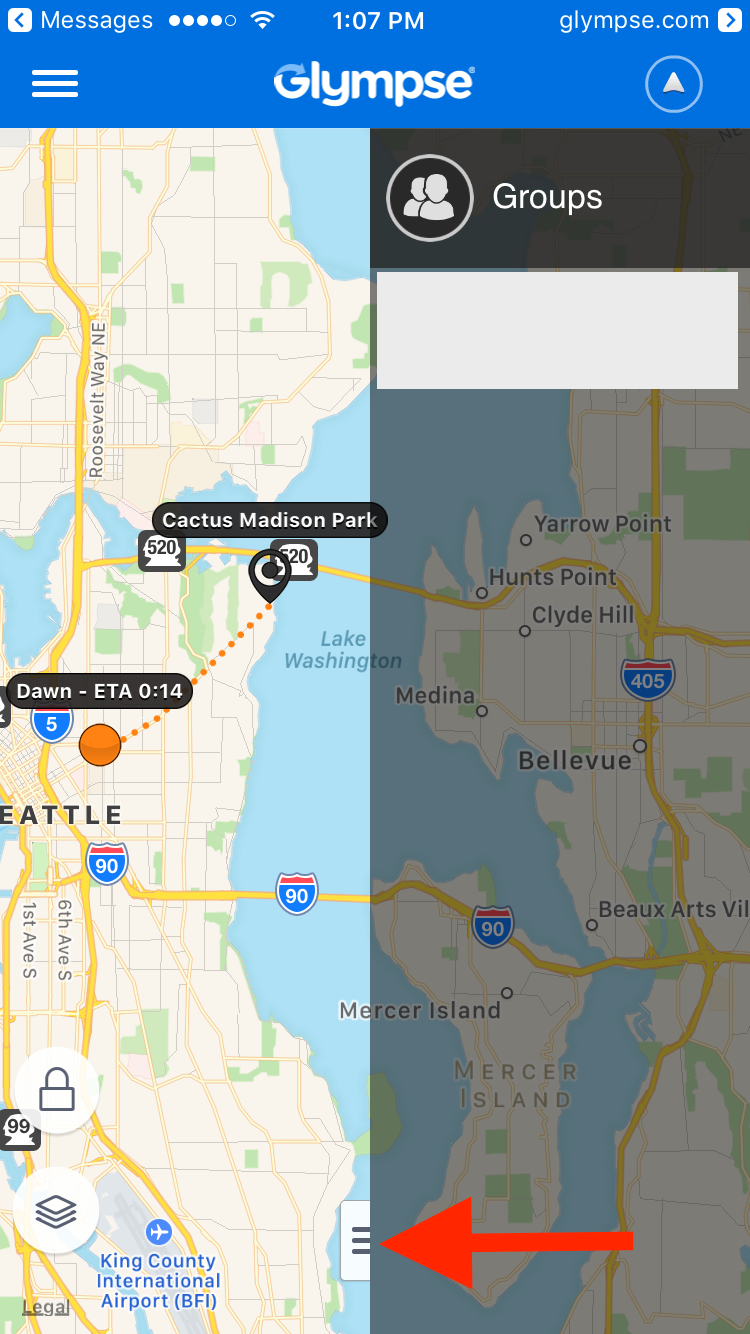
- In Map, slide the right-side menu to the left and then tap the current Glympse.
- In the User Details, tap the +15 Minutes or Modify button.